LED LCD vs Smart TV: How to Tell What You Have
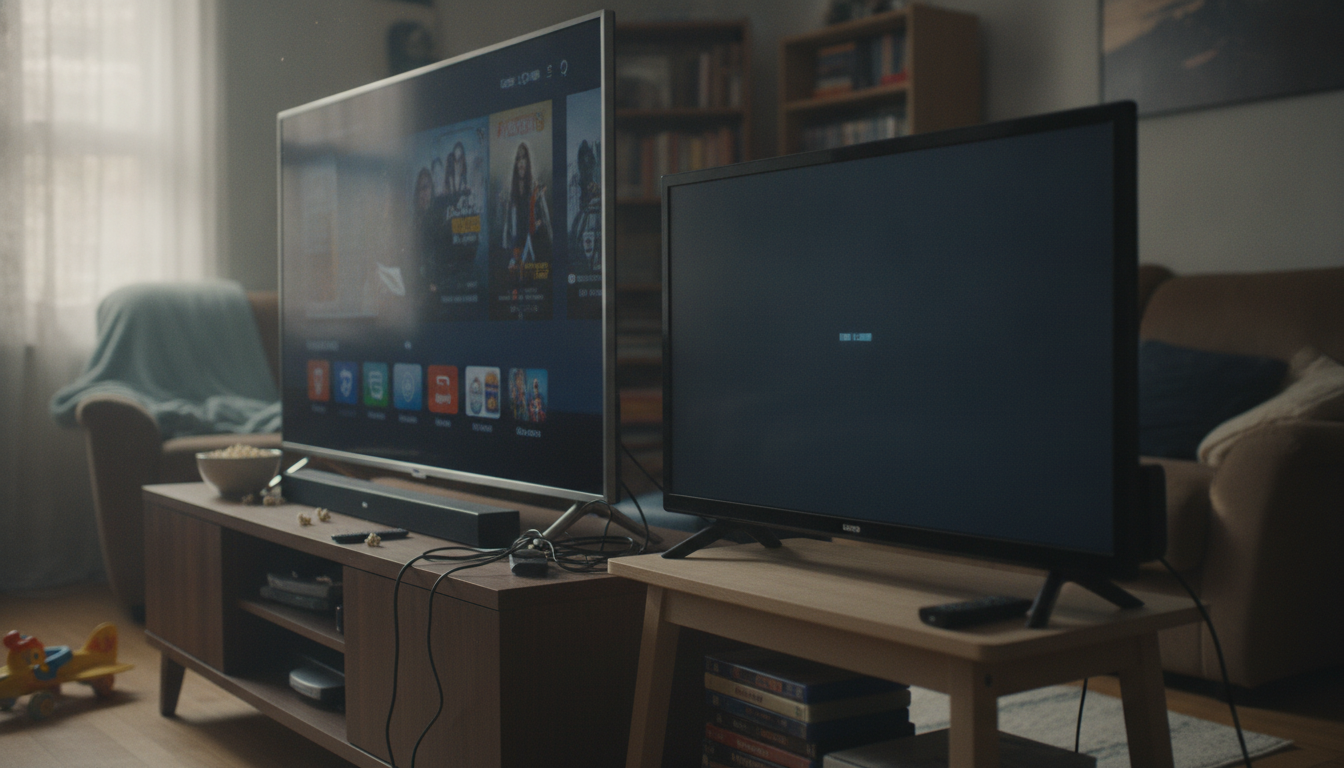
Is an LED LCD TV a smart TV?
Not necessarily. “LED LCD” describes the screen and backlight technology (an LCD panel lit by LED lights), not the built-in features. A smart TV is defined by its software and connectivity—things like Wi‑Fi, streaming apps, and an operating system that can run services such as Netflix, Hulu, or YouTube without needing another device.
How to tell if your LED LCD TV is smart
An LED LCD TV is a smart TV only if it includes smart features. Check for signs like an on-screen app store, a home screen with streaming icons, or menu options for network/Wi‑Fi setup. Many smart models also advertise platforms like Roku TV, Google TV, Android TV, Fire TV, webOS, or Tizen.
If the TV only has basic inputs (HDMI, antenna/cable) and its menu focuses on picture and sound settings with no internet options, it’s likely a non-smart LED LCD TV.
What if it’s not smart?
A non-smart LED LCD TV can still stream content with an external device. Plug in a streaming stick or box (like Roku, Apple TV, Fire TV, or Chromecast), a game console, or even a laptop via HDMI. This approach often updates faster than older built-in smart systems and can add features like voice search and newer apps.
Does “Smart LED TV” mean something different?
Retail listings sometimes combine terms and say “Smart LED TV.” In that case, “LED” is referring to the display type and “Smart” indicates streaming and internet features are included. The key detail is still whether the TV has an operating system and app support—not whether it uses LED backlighting.
For a deeper breakdown of how these terms differ and what to look for before buying, see the full guide here: https://synaptidigital.com/is-an-led-lcd-tv-a-smart-tv/.
FAQ
Can you turn a regular LED LCD TV into a smart TV?
Yes. Add a streaming device via HDMI (such as a Roku, Fire TV Stick, Apple TV, or Chromecast) and connect it to Wi‑Fi to get apps and streaming features.
















Leave a comment