Set Up Facebook Dating Profile: Quick Step-by-Step Guide
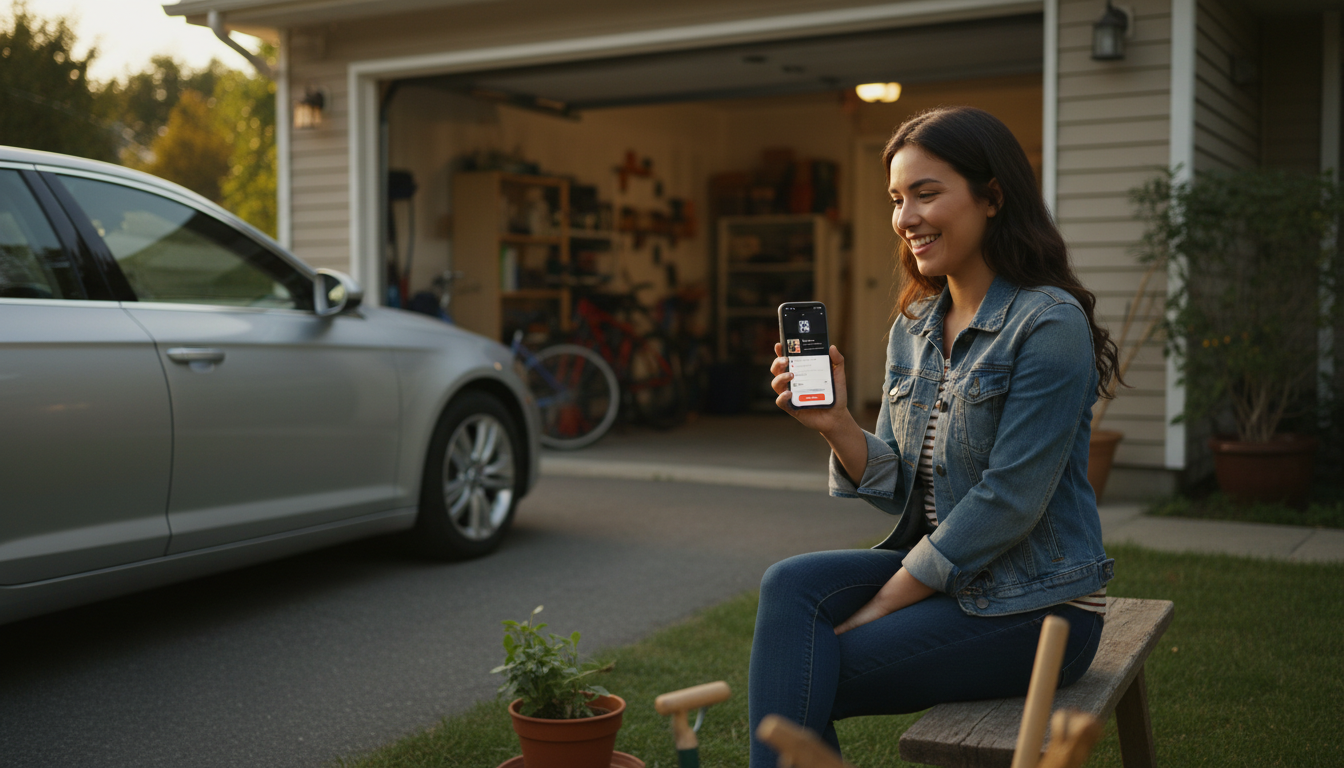
How to Setup a Facebook Dating Profile
Facebook Dating is built into the Facebook app (not a separate download) and lets you create a dating-only profile that’s separate from your main Facebook profile. Setting it up takes just a few minutes, but a thoughtful profile and the right settings make a big difference in who you match with.
1) Confirm Facebook Dating is available on your app
Update the Facebook app to the latest version, then open it and look for “Dating” in the menu (often under the three-line icon). If you don’t see it, it may not be available in your region, or your account may not meet eligibility requirements.
2) Start your Dating profile
Tap “Dating,” then follow the prompts to create your profile. Facebook will ask for basics like your gender, who you want to date, and your location. Your Dating profile won’t automatically post to your timeline or notify your Facebook friends that you’re using it.
3) Add photos and prompts that show personality
Choose clear photos that reflect how you look now, plus a couple that show interests (travel, hobbies, or everyday life). Fill out prompts and bio details with specific answers—unique specifics are easier to respond to than one-word descriptions.
4) Set preferences and privacy options
Adjust age range, distance, height (optional), religion (optional), and other preferences. You can also fine-tune privacy settings, such as whether you want to see friends of friends or keep matches completely outside your current social graph.
5) Turn on useful features
Consider enabling “Secret Crush” if you want to discreetly select people from your Facebook or Instagram circles. Review messaging and safety settings, and use blocking/reporting tools if anything feels off.
For a more detailed walkthrough, tips, and troubleshooting, visit https://synaptidigital.com/how-to-setup-a-facebook-dating-profile/.
FAQ
Why can’t I find Facebook Dating in my Facebook app?
Facebook Dating may not be available in your country, your app may need an update, or your account might not meet eligibility requirements. Try updating the app, logging out and back in, and checking the menu again; if it still doesn’t appear, it may not be supported for your account or region.















Leave a comment