Calm-First AI Planning: Reduce Anxiety Without Overplanning
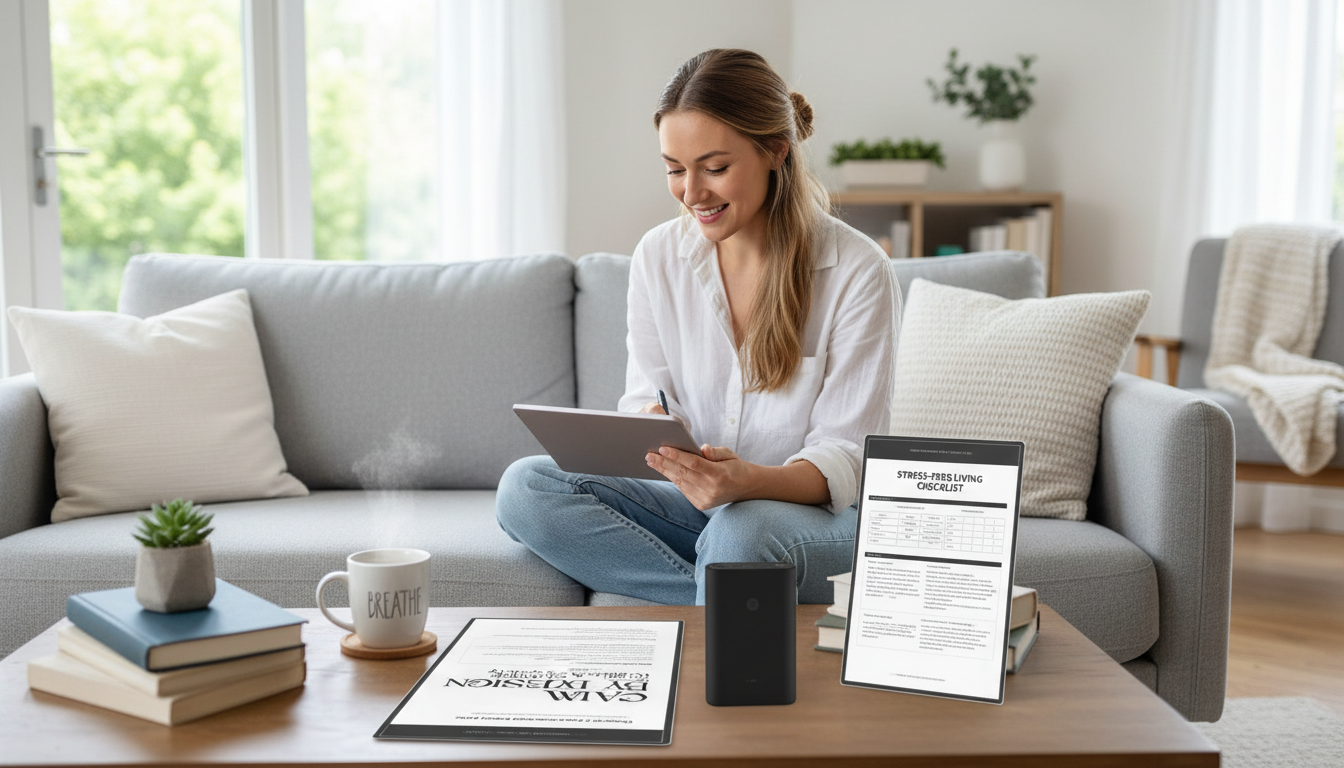
Why planning can feel stressful (and how calm-first planning changes it)
Planning is supposed to reduce stress, but it can backfire when it turns into perfectionism: overly detailed schedules, unrealistic time blocks, and a constant sense of guilt when real life interrupts. When the goal becomes “follow the plan perfectly,” every detour can feel like failure—fueling anxiety instead of easing it.
Anxiety also thrives on uncertainty and open loops: half-made decisions, tasks you keep mentally revisiting, and vague “I should…” thoughts that never become a concrete next step. Calm-first planning focuses on closing loops with small, reversible decisions. Rather than forcing a strict agenda, it creates a gentle structure that’s sturdy enough to guide you and flexible enough to forgive you.
A calmer plan prioritizes three layers: basic safety needs (sleep, food, movement, medication, downtime), essential commitments (work, school, caregiving, appointments), and only a few “nice-to-dos.” AI support works best when it acts as a helper for clarity and sequencing—not as a judge of productivity.
What an AI planner can do to reduce anxiety (and what it can’t)
Used thoughtfully, an AI planner can lower your mental load by reducing decision fatigue. Instead of you sorting through 30 tasks, it can suggest a short list of next actions based on deadlines, the time you have available, and the energy you expect to have.
It can also create structure from messy inputs—brain dumps, scattered notes, or recurring responsibilities—so you’re not carrying everything in your head. Many people get stuck at the starting line because a task feels too big; AI can estimate effort and split it into smaller steps, which helps bypass the “too big to start” freeze response.
Another underrated benefit is surfacing hidden overload: too many meetings, no buffers, unrealistic transitions, or back-to-back obligations that never leave time to breathe.
Limitations matter. AI cannot replace clinical care, diagnose anxiety, or fully understand your personal context unless you provide it. It can also over-schedule if you don’t set boundaries. If anxiety is persistent or severe, consider reviewing credible guidance from the National Institute of Mental Health and the American Psychological Association.
Set up a calm-by-design planning system in 20 minutes
Step 1: Define non-negotiables
List your non-negotiables first: sleep window, meals, commute, caregiving, medication, and downtime. These are not “extras”—they’re stabilizers. Protect them before you plan anything ambitious.
Step 2: Choose three daily anchors
Pick one must-do (the outcome that makes today “count”), one maintenance task (life admin or health), and one restorative activity (a short walk, reading, stretching, a shower with no rush). Anchors keep your day from feeling like it’s only obligations.
Step 3: Create two lists
Use two task lists only: “Today (max 5)” and “Later.” Everything else goes to Later. This reduces mental pinging—when tasks keep reappearing in your mind because they don’t have a home.
Step 4: Add buffers by default
Build in 10–15 minutes between blocks and reserve 30–60 minutes per day for spillover. Buffer time is not wasted time; it’s what makes plans survivable when a call runs long or your energy dips.
Step 5: Decide a shutdown ritual (2 minutes)
End the day by capturing loose ends, picking tomorrow’s first task, and closing tabs. A consistent shutdown cue trains your brain that it’s safe to stop monitoring everything.
Prompts that turn spirals into next steps
| Situation | Prompt template | Desired output |
|---|---|---|
| Overwhelmed by many tasks | Sort these items into Must / Should / Could, then pick 3 next actions for today with time estimates: [paste list] | A short, realistic action list |
| Avoiding a big project | Break this into steps that each take 10–30 minutes, and identify the easiest first step: [project] | Micro-steps and a starting point |
| Back-to-back commitments | Build a schedule from [start–end] with 15-minute buffers and one recovery break; keep workload light | A paced day plan |
| Worry about forgetting something | Turn these notes into a checklist; include what to prepare, what to bring, and when to confirm: [event/errand] | A reassurance-focused checklist |
Daily rhythm: the 3-check-in method (morning, mid-day, evening)
Morning (3 minutes)
Mid-day (2 minutes)
Evening (2 minutes)
Stress-free living checklist: design rules that keep plans gentle
Common pitfalls and quick fixes
Guide, eBook & checklist: a ready-to-use calm-by-design toolkit
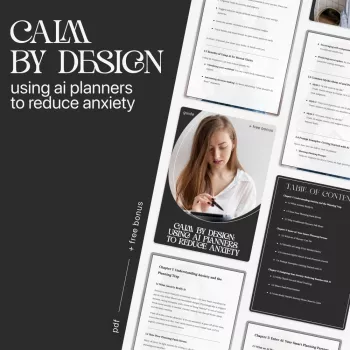
For a ready-made setup that’s quick to implement, the Calm by Design: Using AI Planners to Reduce Anxiety – guide, eBook & checklist organizes the method into clear steps, printable checklists, and templates designed to keep plans realistic and gentle.
To support the restorative side of your routine, adding a dedicated unwind space can help your shutdown ritual feel more automatic. The Elegant Ebony Genuine Leather Rocking Chair is one option for building a consistent “recovery cue” into your evenings—separate from screens and to-do lists.
FAQ
Can an AI planner actually help with anxiety?
It can help by reducing uncertainty, decision fatigue, and open loops—turning vague worries into specific next actions and building in buffers. It’s most effective when used for clarity and pacing, not for maximizing output, and it’s not a replacement for therapy or medical support.
What should be shared (and not shared) with an AI planner?
Avoid sharing sensitive personal data, identifying details, or medical information. Use generalized descriptions (for example, “a health appointment” instead of specifics), keep private notes locally when possible, and review privacy settings before storing anything long-term.
How do I plan on days when anxiety is high and motivation is low?
Use a minimum viable plan: protect essentials (food, meds, sleep), choose one tiny win, and add extra buffers. Defer non-urgent tasks without guilt, and draft short, polite messages to renegotiate deadlines when needed.















Leave a comment